The 3-part system
- Bookmark the moment (timestamp).
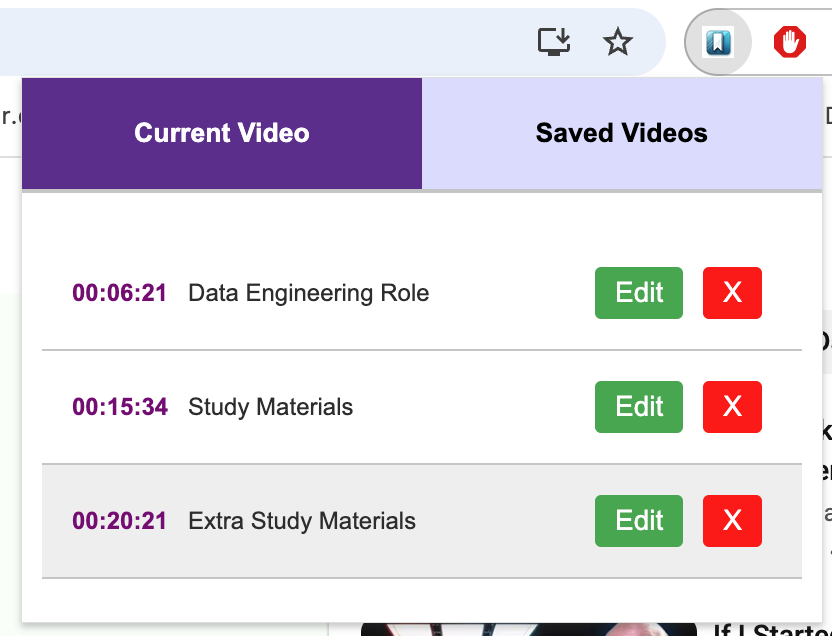
- Title the bookmark so it’s searchable in your brain later.
- Jump back to the exact step instantly.
This is exactly what YouTube Video Bookmarker is built for.
How to title tutorial bookmarks
- Milestones: “Setup”, “Install”, “Config”, “Deploy”, “Troubleshooting”.
- Steps: “Step 2 – Create project”, “Step 7 – Export”.
- Fixes: “Error 153 fix”, “Common pitfall”.
Example naming template
Use this formula:
[Topic] — [Action] — [Result]
Example: “Auth — Add token — Fix 401”.
Want the fastest start?
Install YouTube Video Bookmarker and try it on a 20+ minute tutorial. You’ll feel the difference immediately.
Next read: Study workflow: timestamp bookmarks for lectures.