The “3 bookmark types” method
- Definitions (the part you’ll quote in exams)
- Examples (the part that makes it click)
- Exam hints (the “this will be on the test” moments)
How to title lecture bookmarks
- DEF: “DEF: Opportunity cost”
- EX: “EX: Solving Q3”
- HINT: “HINT: Common mistake”
Revision routine (10 minutes)
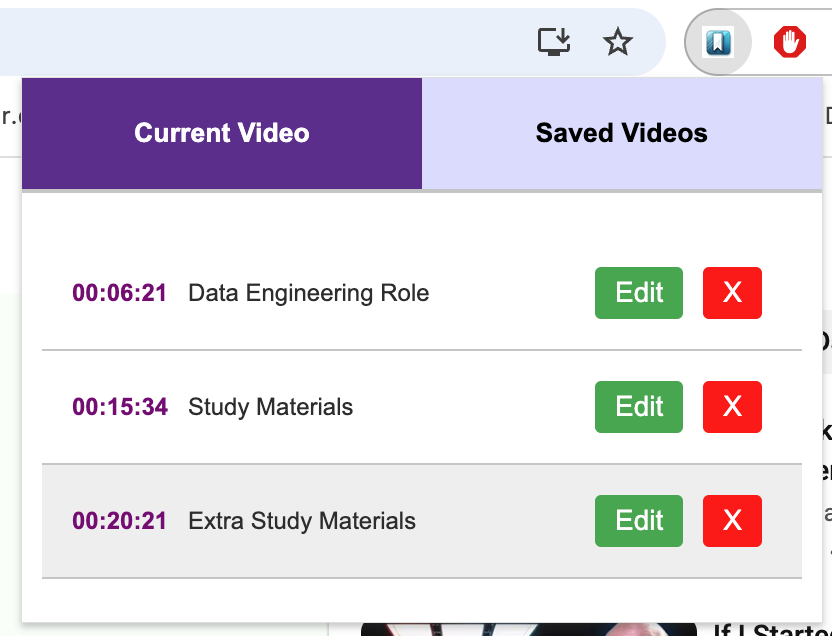
- Open your bookmark list for the lecture.
- Click all DEF bookmarks first (quick refresh).
- Then watch only the EX bookmarks you’re shaky on.
- Finish with HINT bookmarks to avoid mistakes.
Want the fastest start?
Install YouTube Video Bookmarker and try it on a 20+ minute tutorial. You’ll feel the difference immediately.
Next read: Research workflow: tag and return to quotes in videos.